Feature list
Every feature, on one page
61 things Velvet Lead does, sorted by who uses them. No tour and no demo needed to read it.
For your patients
Public website
Your clinic's own site, on your own domain. Each treatment gets a page with its price, and your team edits the words, hours and colors without calling a developer.
- Home, about, treatments list and a page for each treatment
- Pricing, FAQ and contact pages
- Blog, with posts linked to treatments and authors
- Offers and promo codes with start and end dates
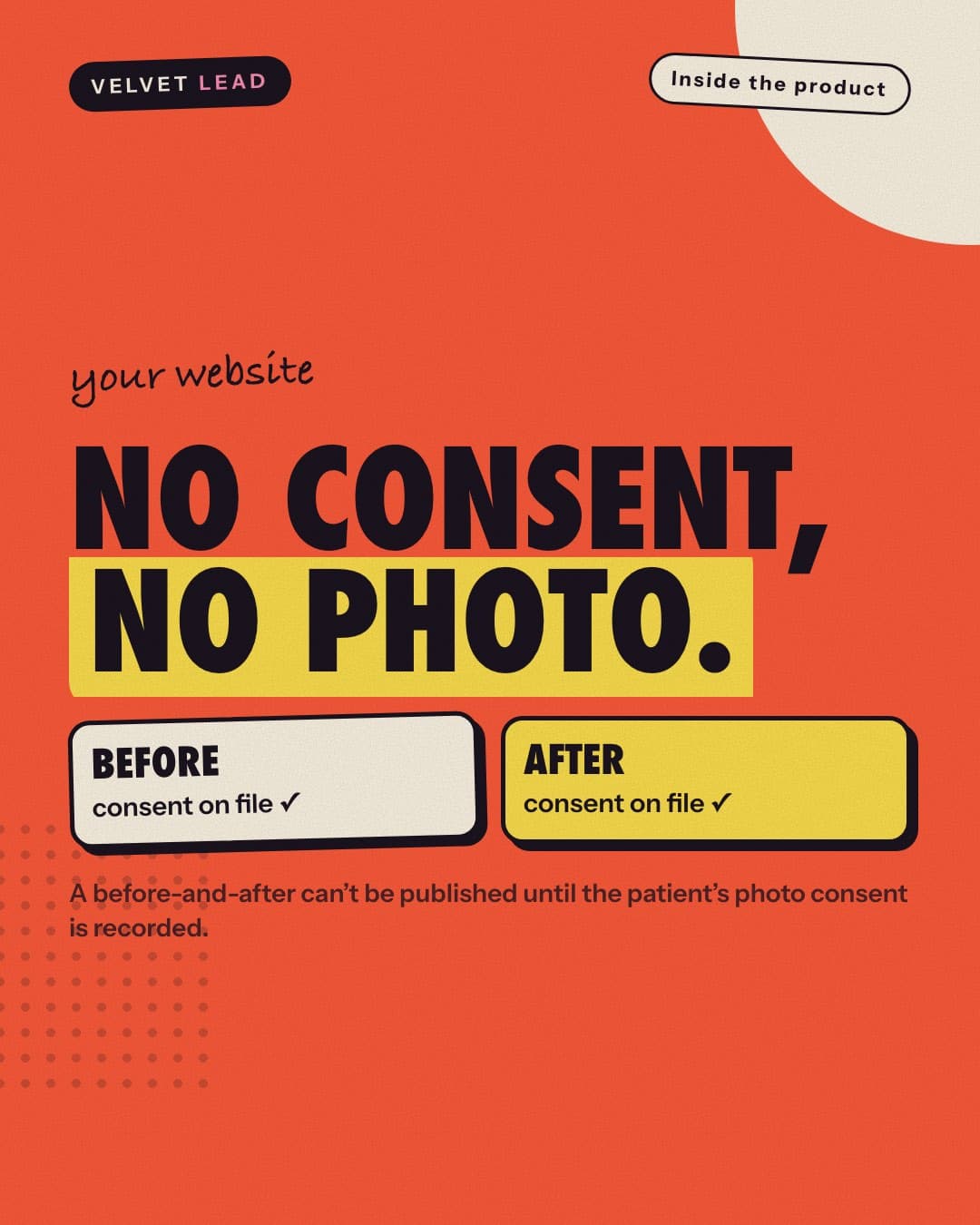
- Before-and-after gallery, published only with recorded photo consent
- Patient reviews
- Gift vouchers page
- Legal pages: privacy policy, terms, medical disclaimer, notice of privacy practices
- Brand themes, clinic details, business hours and page copy you edit yourself
For your patients
Online booking
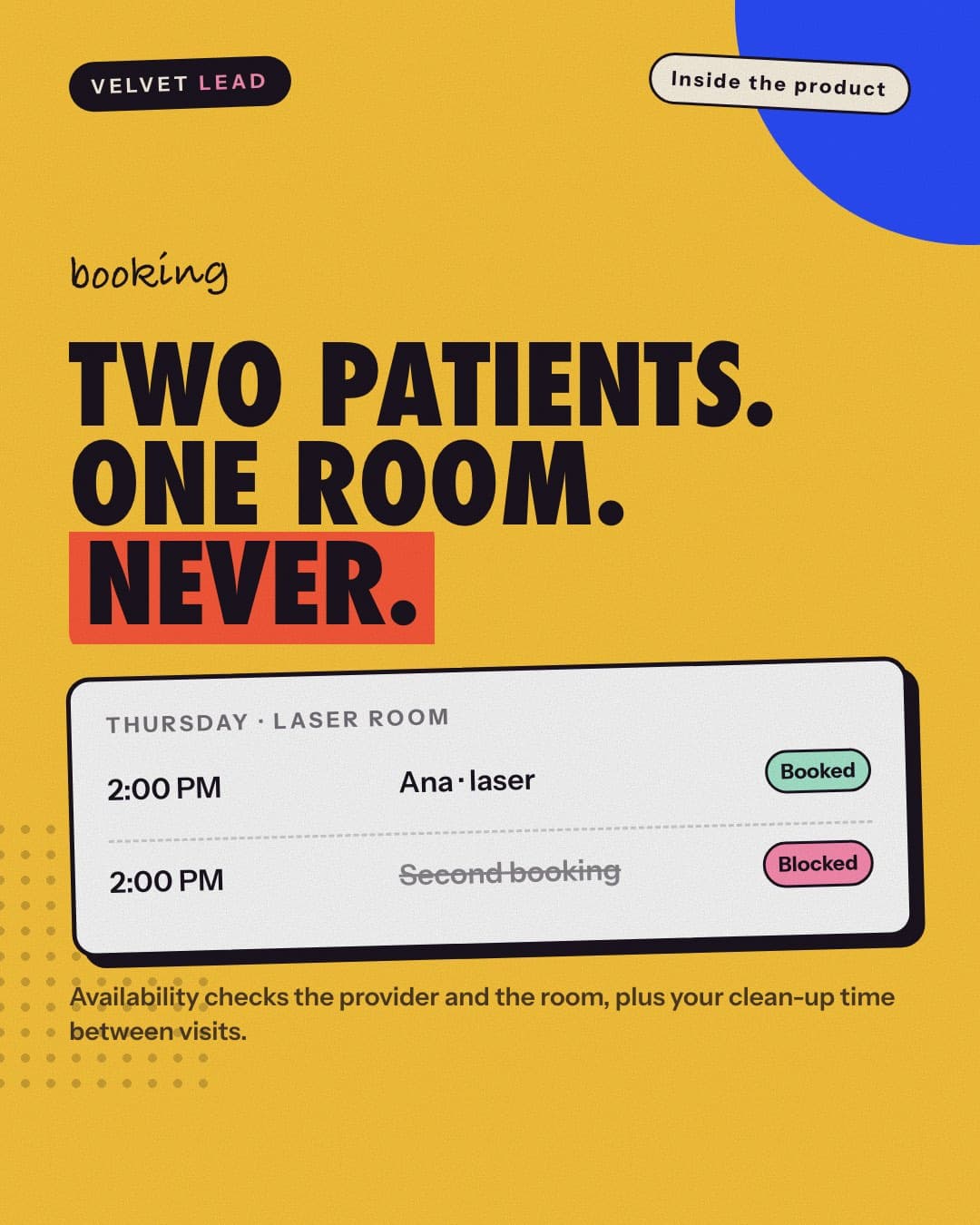
A patient picks a treatment, a practitioner and a time that is genuinely free, at any hour. Availability checks the room as well as the person, so nothing is booked twice.
- Booking in five steps: treatment, practitioner, time, details, confirm
- Real availability from working hours, time off, closures, rooms and buffers
- Double-booking protection for practitioners and rooms
- Optional deposits through Stripe, with a timed hold on the slot
- Free consultation requests
- Waiting list when nothing is free
- A private link for each booking: view, reschedule, cancel
- Health questionnaire signed before the visit
- Review request after the visit
- Email confirmations and reminders, with optional text and WhatsApp
- Calendar feeds for practitioners
For your patients
Patient page
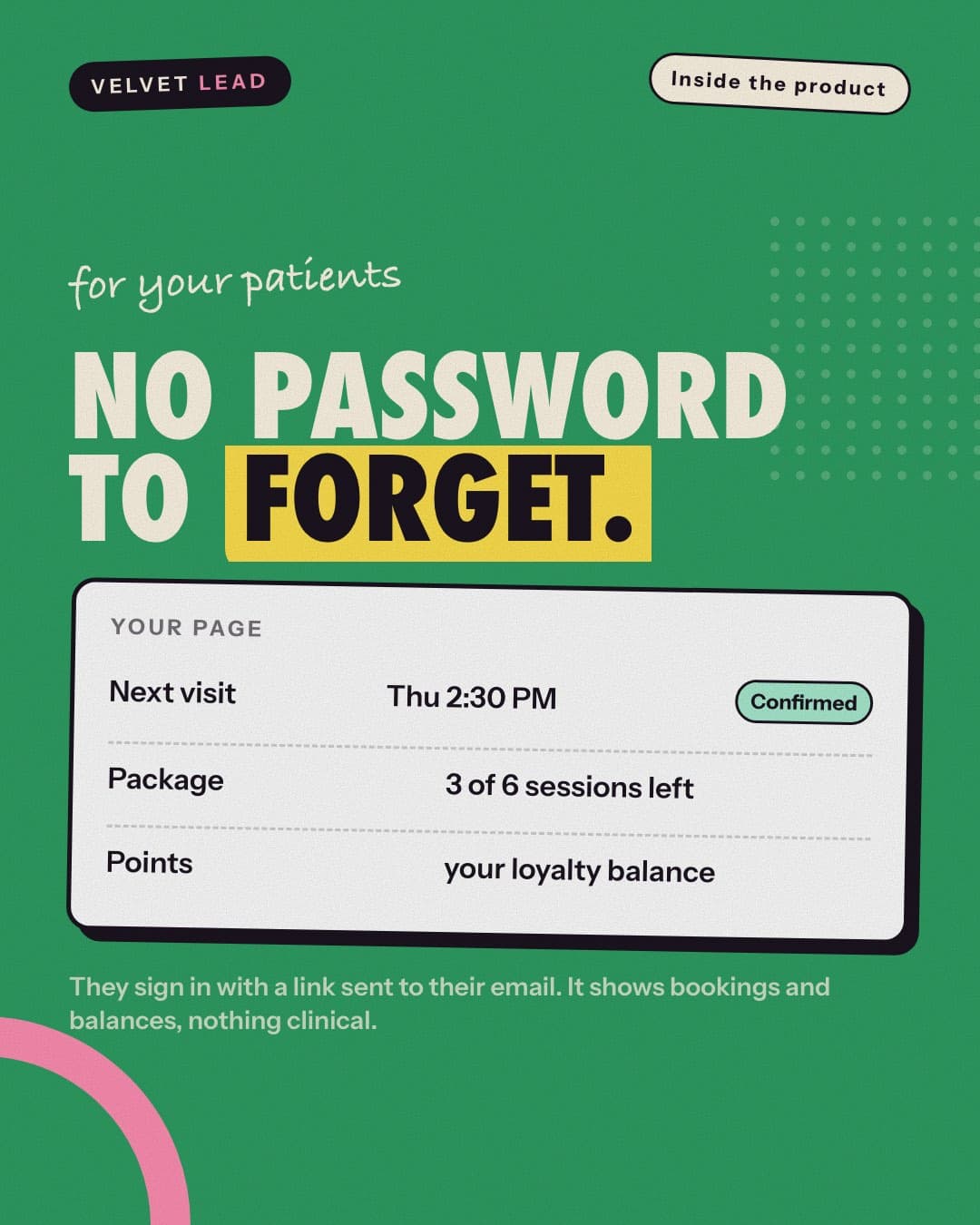
Each patient has their own page on your website, opened with a link sent to their email. It shows bookings and balances, and nothing clinical.
- Sign-in by emailed link, with no password
- Upcoming and past appointments, with “book again”
- Sessions left on a course
- Loyalty points and a referral code
- Marketing opt in and opt out
- Privacy requests: ask for a copy, a correction or a limit, and see the answer
For your patients
Website assistant
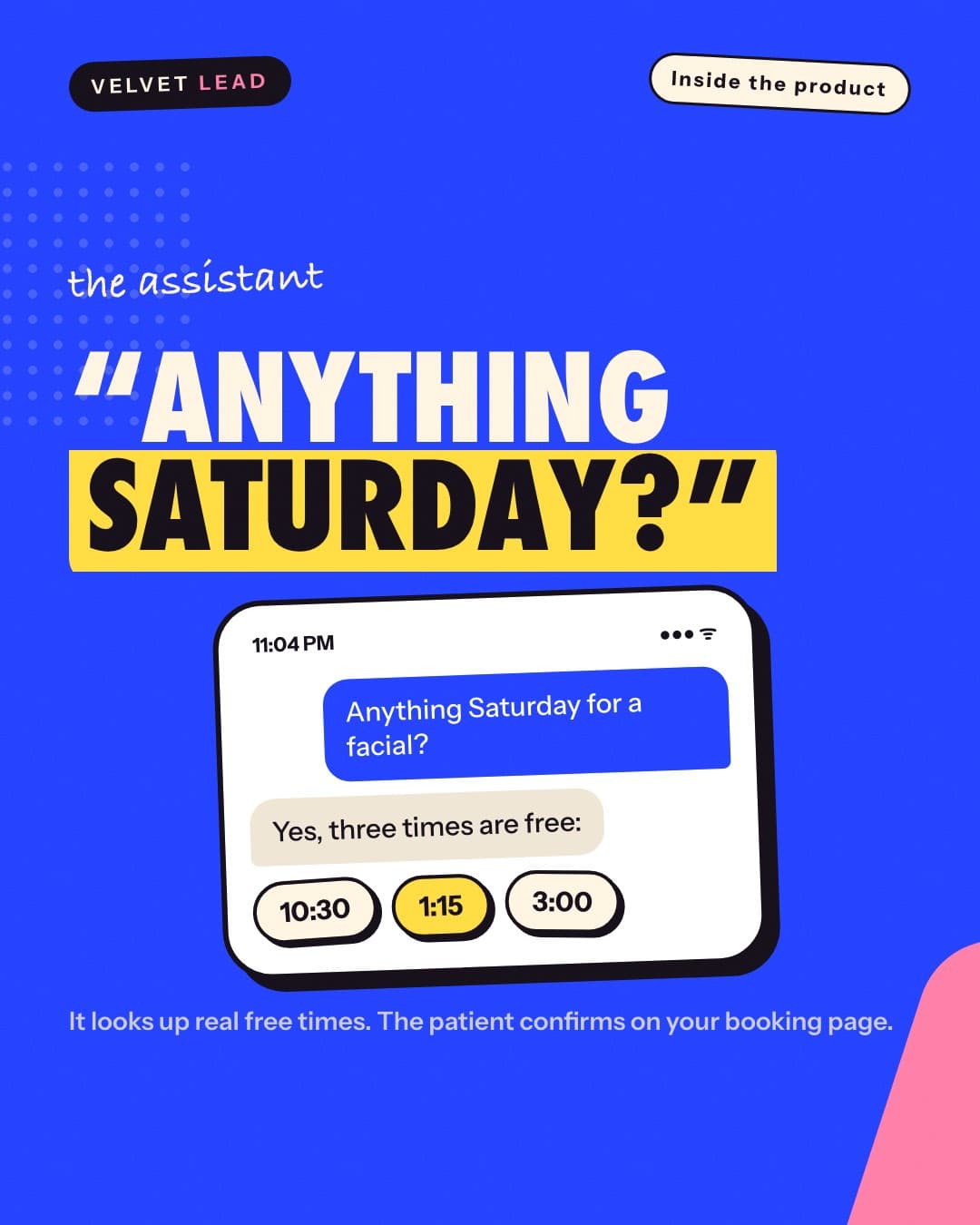
A chat on your website that answers from your clinic's own facts and documents, looks up real free times and knows when to hand over to a person. It never gives medical advice.
- Answers from clinic facts and the documents you upload
- Looks up real free times and offers them as buttons to tap
- Booking inside the chat, when your clinic switches it onNew
- Call-back requests and hand-off to a person
- Usage limits and a daily budget you set
- Thumbs up or down on each answer
- A list of the questions it couldn't answer, for your team
For your team
Admin panel
One place for the front desk, practitioners and the owner. Leads, the day's bookings, clinical notes, stock, campaigns and reports share the same patients and treatments.
- Dashboard: to-do counts and today's appointments
- Leads with a status, follow-ups, notes and tasks
- Bookings as a calendar or a board, with check-in
- No-show and late-cancellation fees, recorded on the visit
- Recurring series of appointments
- Waiting list: who is waiting, and offering freed slots
- My day: a practitioner's own patients and write-ups due
- Visit workspace: notes, treatments given, product and batch
- Patients: record, visits, medical summary, courses and points
- Gift vouchers: issue, redeem, balances
- Email campaigns to patient segments, with unsubscribe
- Reports: revenue, rebooking, patients
- Services and prices: treatments, categories, courses
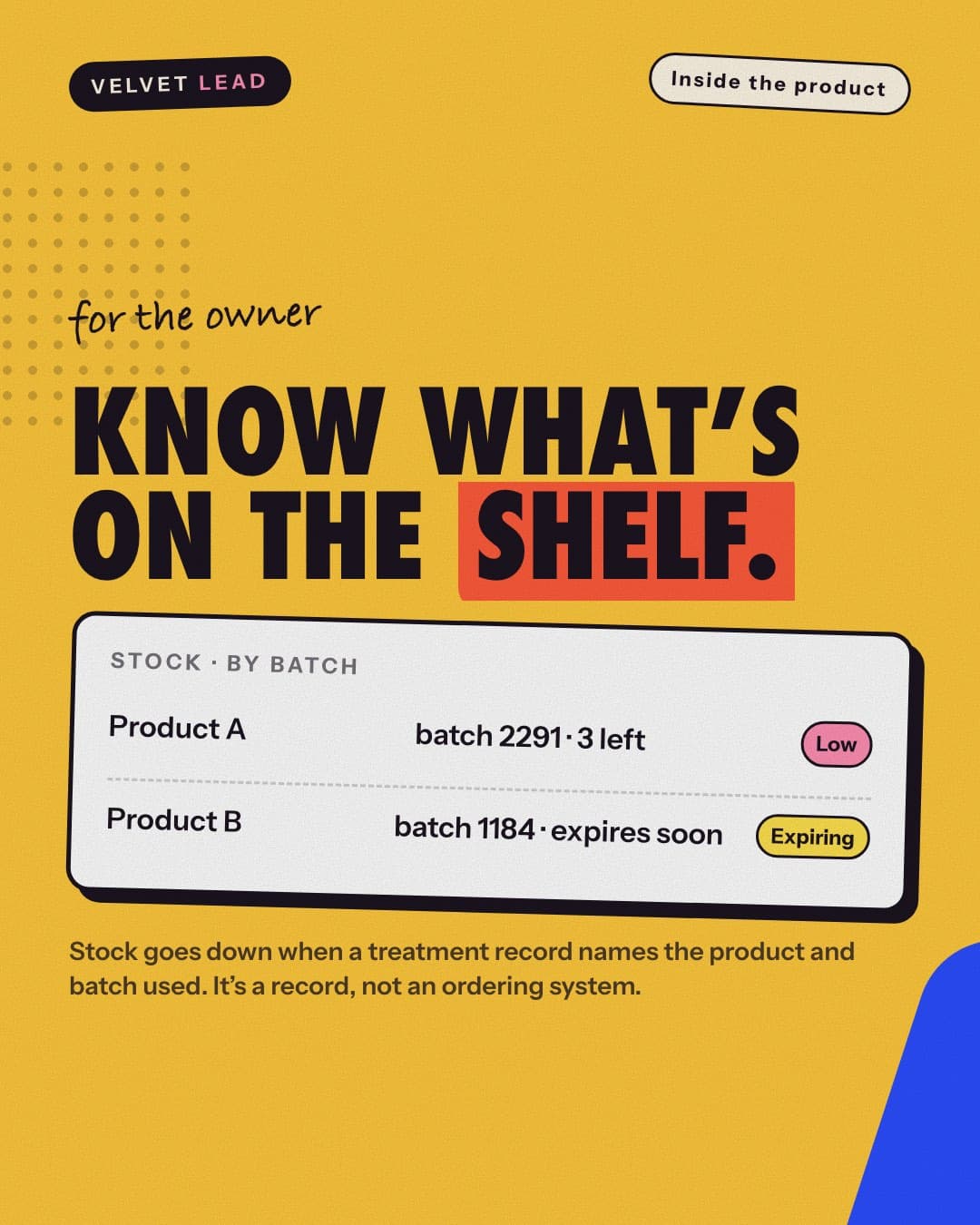
- Stock: products, batches, expiry and low-stock warnings
- Team: practitioners, working hours, time off, logins
- Website content: pages, reviews, gallery, blog, offers, FAQs
- Documents the assistant answers from
- Assistant settings, conversations and knowledge gaps
- Settings: clinic details, brand, booking rules, notifications, fees
- Activity log: who opened or changed a patient's recordNew
For everyone's peace of mind
Roles and security
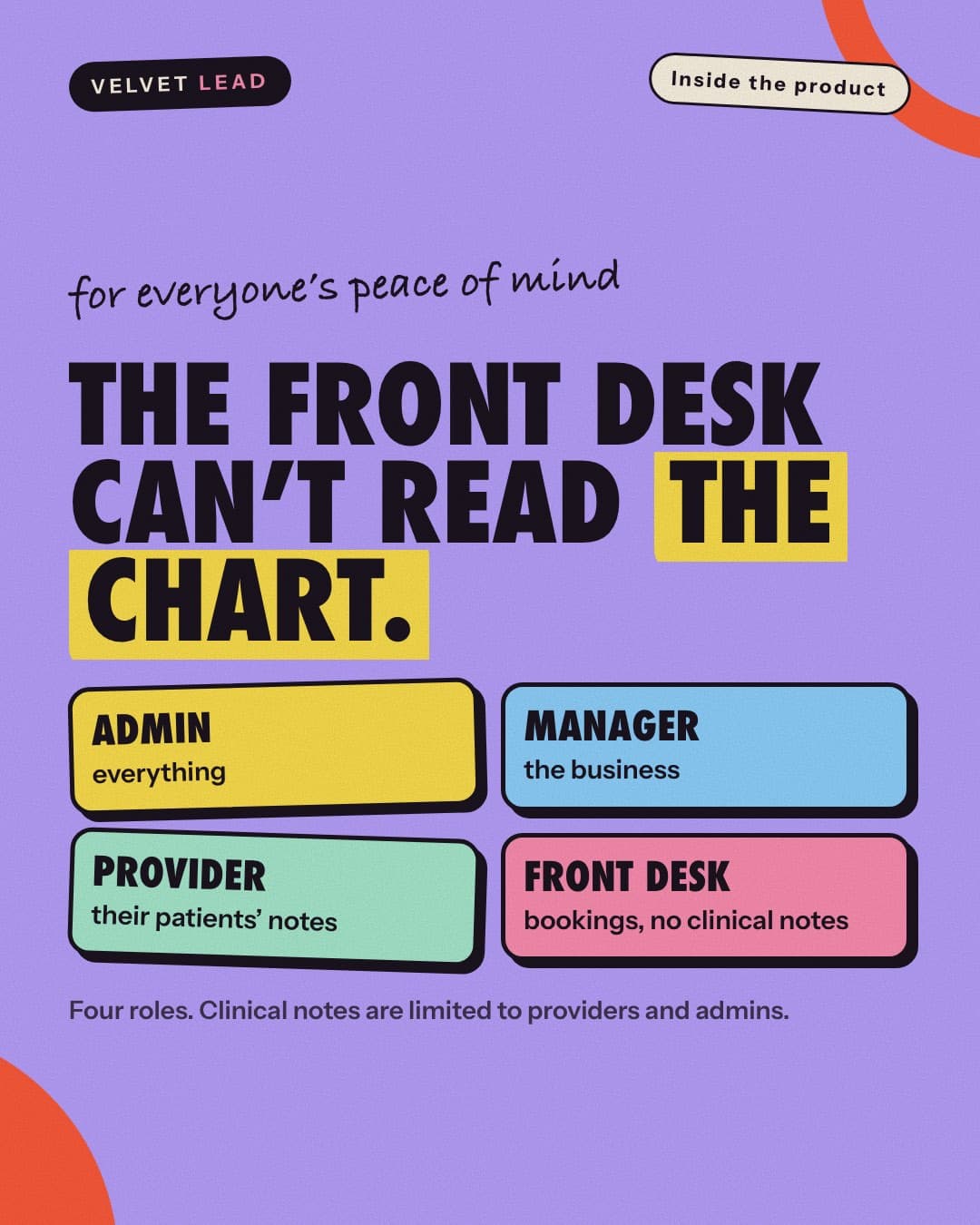
Each login sees what its job needs and no more, and that is enforced by the database, not by hiding buttons. Consent and changes are kept on record.
- Four roles: admin, manager, practitioner, front desk
- Access enforced in the database for each role
- Clinical data limited to practitioners and admins
- Signed clinical notes can't be edited, only amended
- Consent log: privacy notice, marketing, photos, treatment terms
- Disclosure log and patient record exportNew
- Rate limiting on public forms
- Old chats, IP addresses and message contents cleared automatically
A closer look
Six details owners ask about
The small things that decide whether a system fits your clinic.
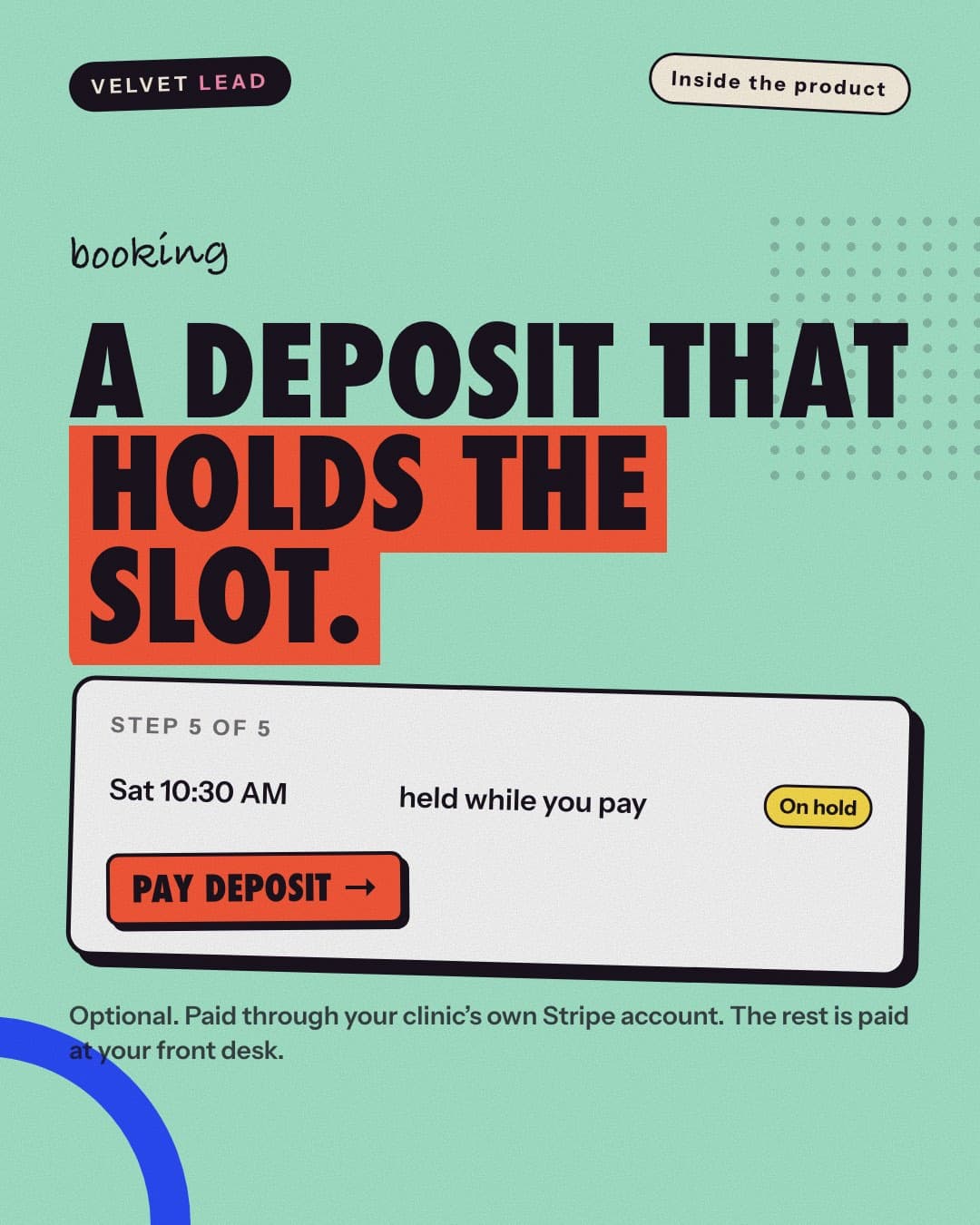
A deposit that holds the slot
The time is held while the patient pays, through your clinic's own Stripe account. The rest is paid at your front desk.
Read how it works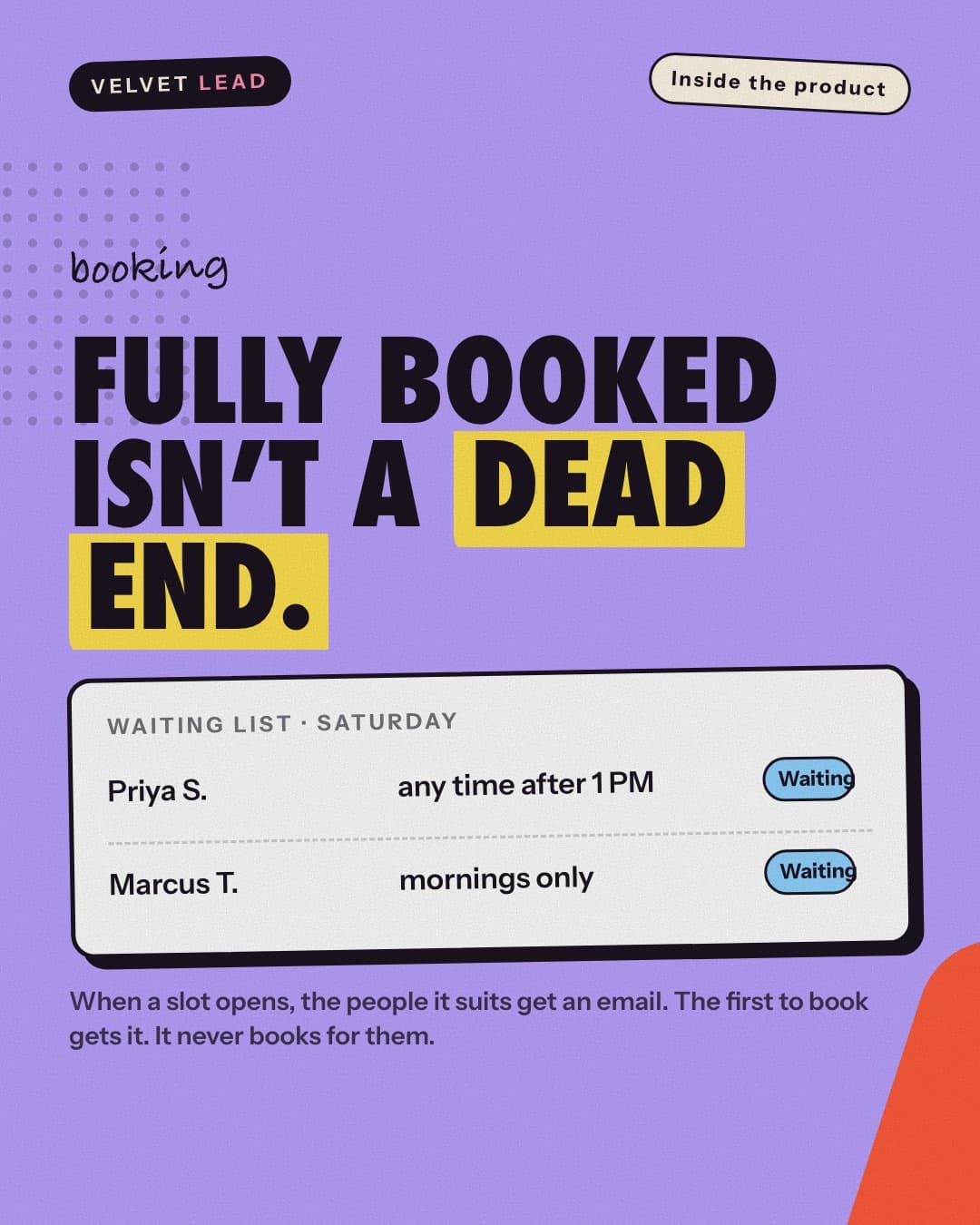
Fully booked isn't a dead end
When a slot opens, the patients it suits get an email and the first to book keeps it. It never books for them.
Read how it works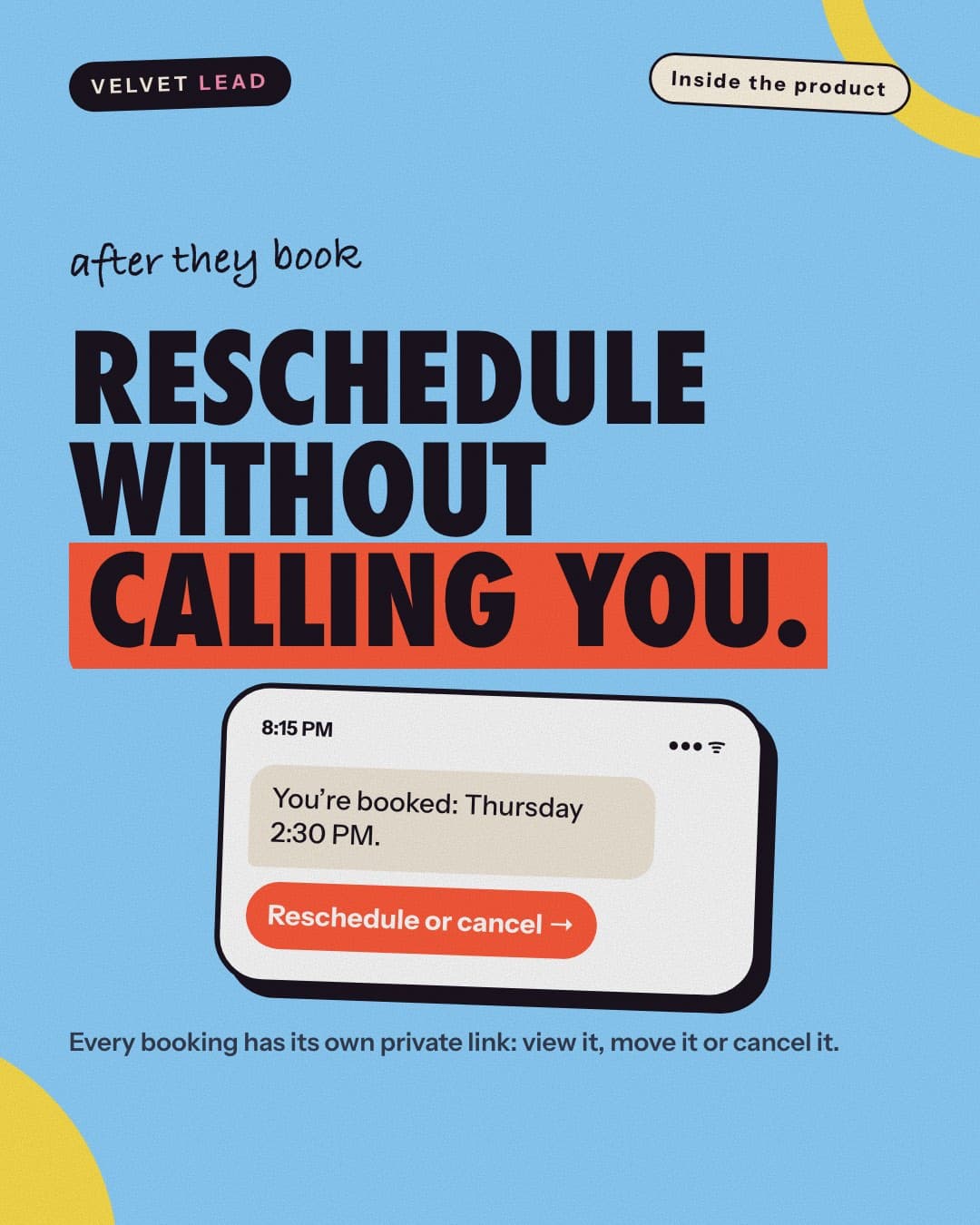
Reschedule without a phone call
Every booking has its own private link, so moving or canceling a visit doesn't need your front desk.
Read how it works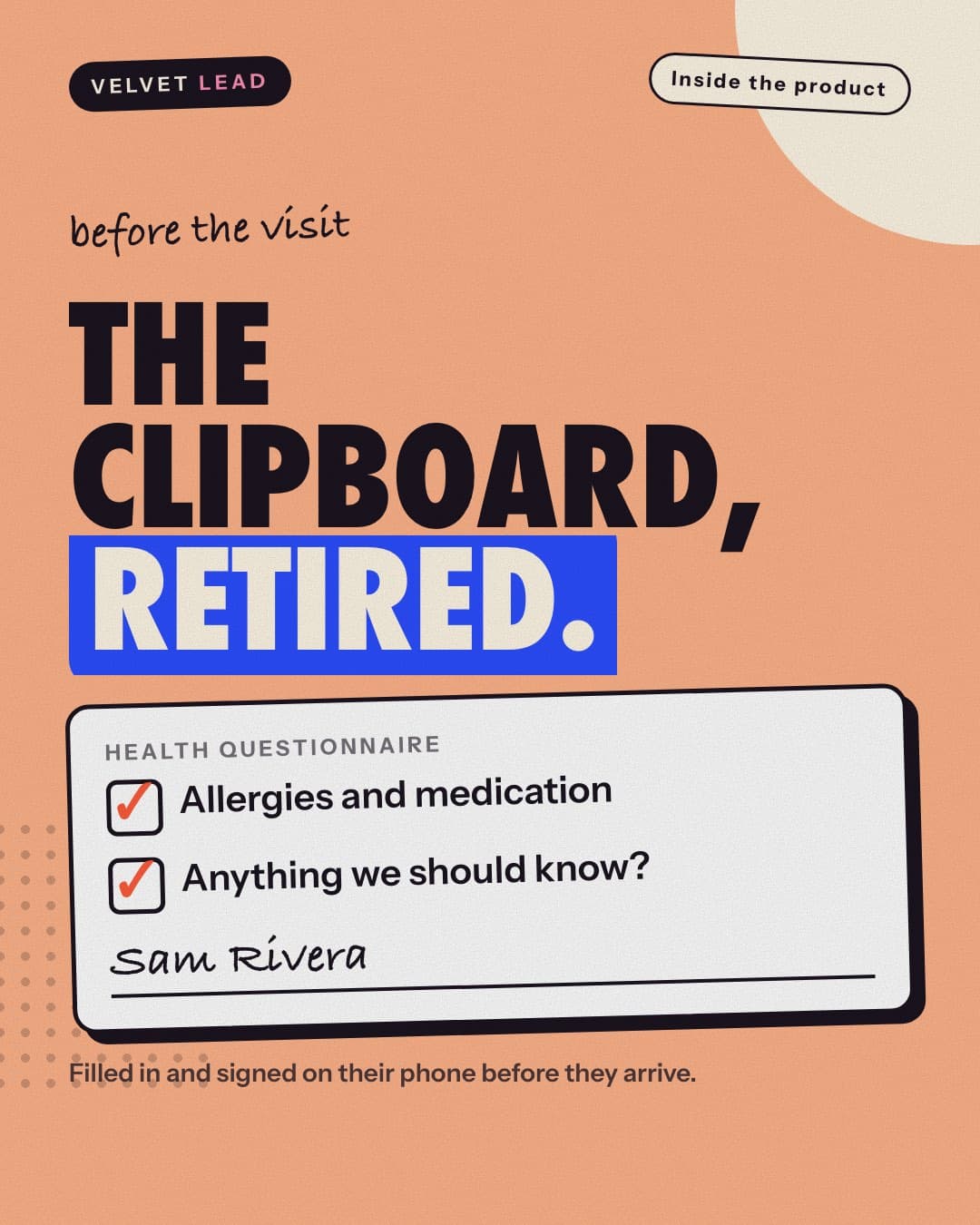
The clipboard, retired
Patients fill out and sign the health questionnaire on their phone before they arrive.
Read how it works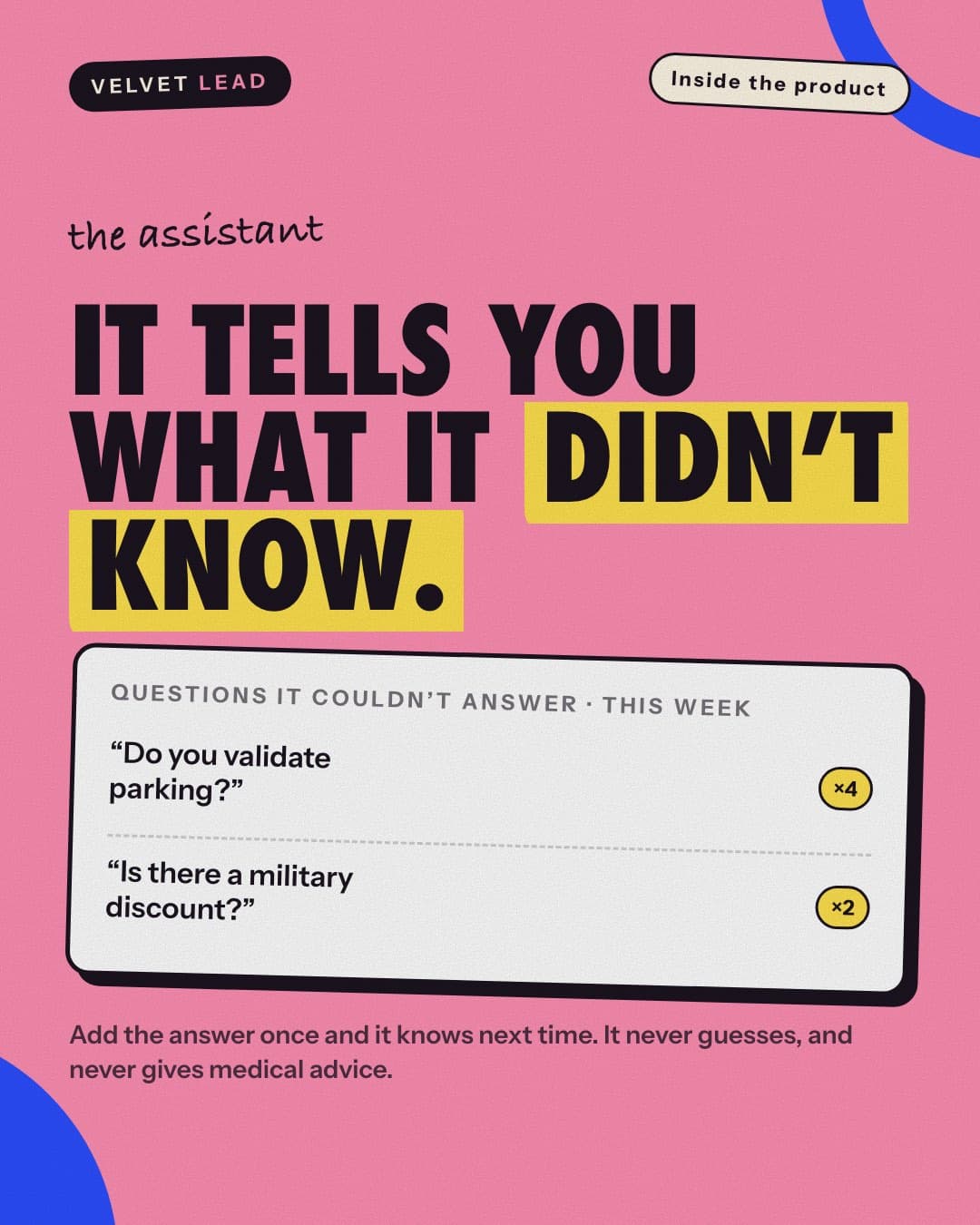
It tells you what it didn't know
Questions the assistant couldn't answer are listed for your team. Add the answer once and it knows next time.
Read how it works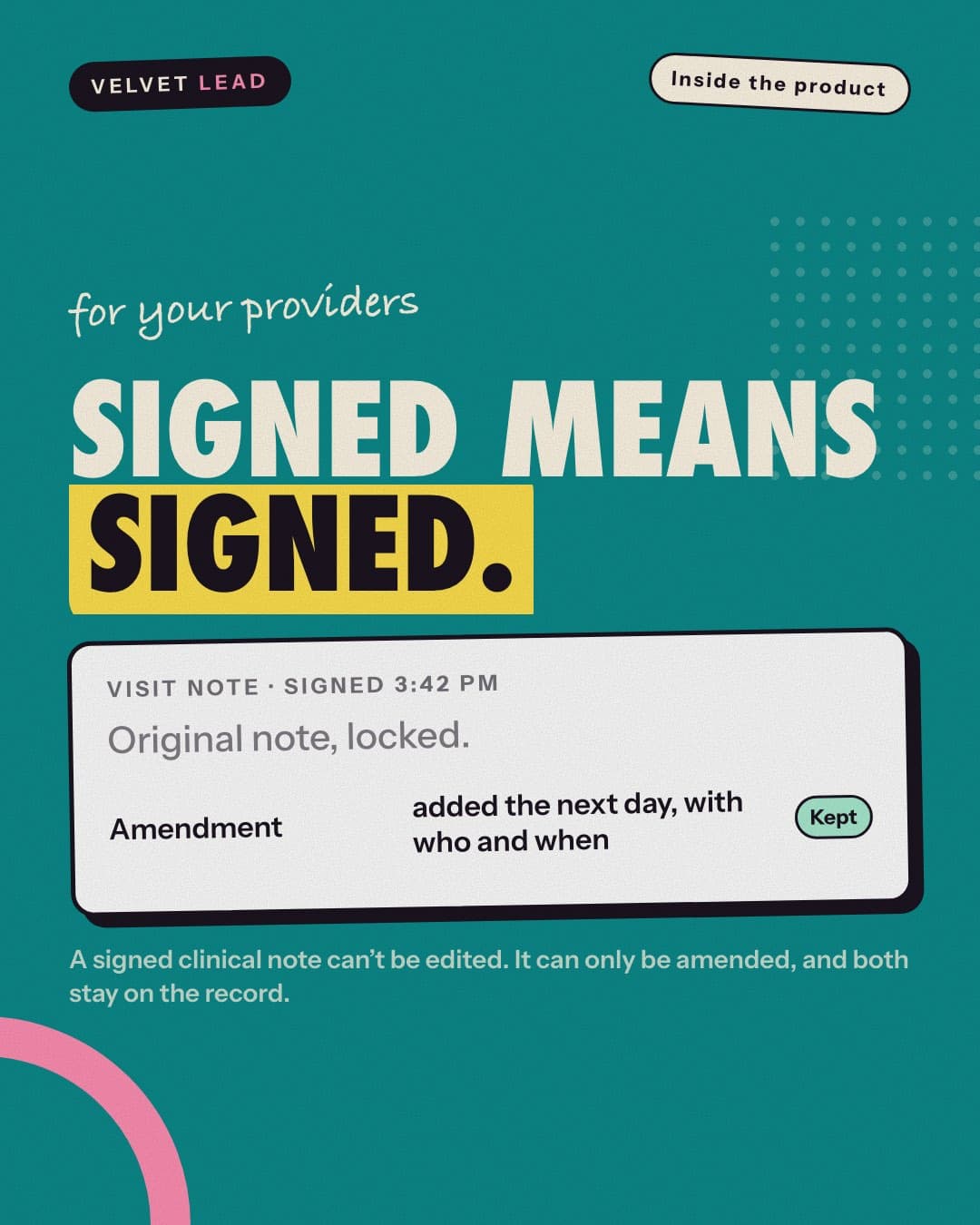
Signed means signed
A signed clinical note can't be edited. Corrections are added as dated amendments, and both stay on the record.
Read how it works
Honest limits
What isn't on the list
No full payment of a treatment bill online, no memberships or recurring billing, no group classes, one location per website, no two-way texting, and not a full EMR: no e-prescribing, insurance billing or telehealth video. A no-show fee is recorded, not charged to a card, and the waiting list never books anybody. The features page has the full list of limits, and we'll say the same on a demo.
Book a 15-minute demo
See the patient side and the admin panel on our demo clinic. We'll tell you honestly whether Velvet Lead fits your clinic.